mirror of
https://github.com/quine-global/hyper.git
synced 2026-03-13 16:38:41 -08:00
Quine's fork of "Hyper" by Vercel, A terminal built on web technologies
 b76e004309
* Dynamically change the `font-smoothing` pref By default, hterm defaults to `font-smoothing: 'antialiased'`, which works really well on retina displays. On non-retina displays, however, the type looks very thin and is hard to read. This will look at the devicePixelRatio of the device anytime the term prefs are set, and change between `antialiased` and `subpixel-antialiased` dynamically. * Refactor to add the font smoothing override into state This also subscribes to the electron `move` event to control when this piece of state gets updated. * Add UI_WINDOW_MOVE action with a side effect for font smoothing |
||
|---|---|---|
| app | ||
| scripts | ||
| static | ||
| .gitignore | ||
| .travis.yml | ||
| auto-updater.js | ||
| config-default.js | ||
| config.js | ||
| HISTORY.md | ||
| index.js | ||
| LICENSE.md | ||
| menu.js | ||
| notify.html | ||
| notify.js | ||
| package.json | ||
| plugins.js | ||
| README.md | ||
| rpc.js | ||
| session.js | ||
hyperterm
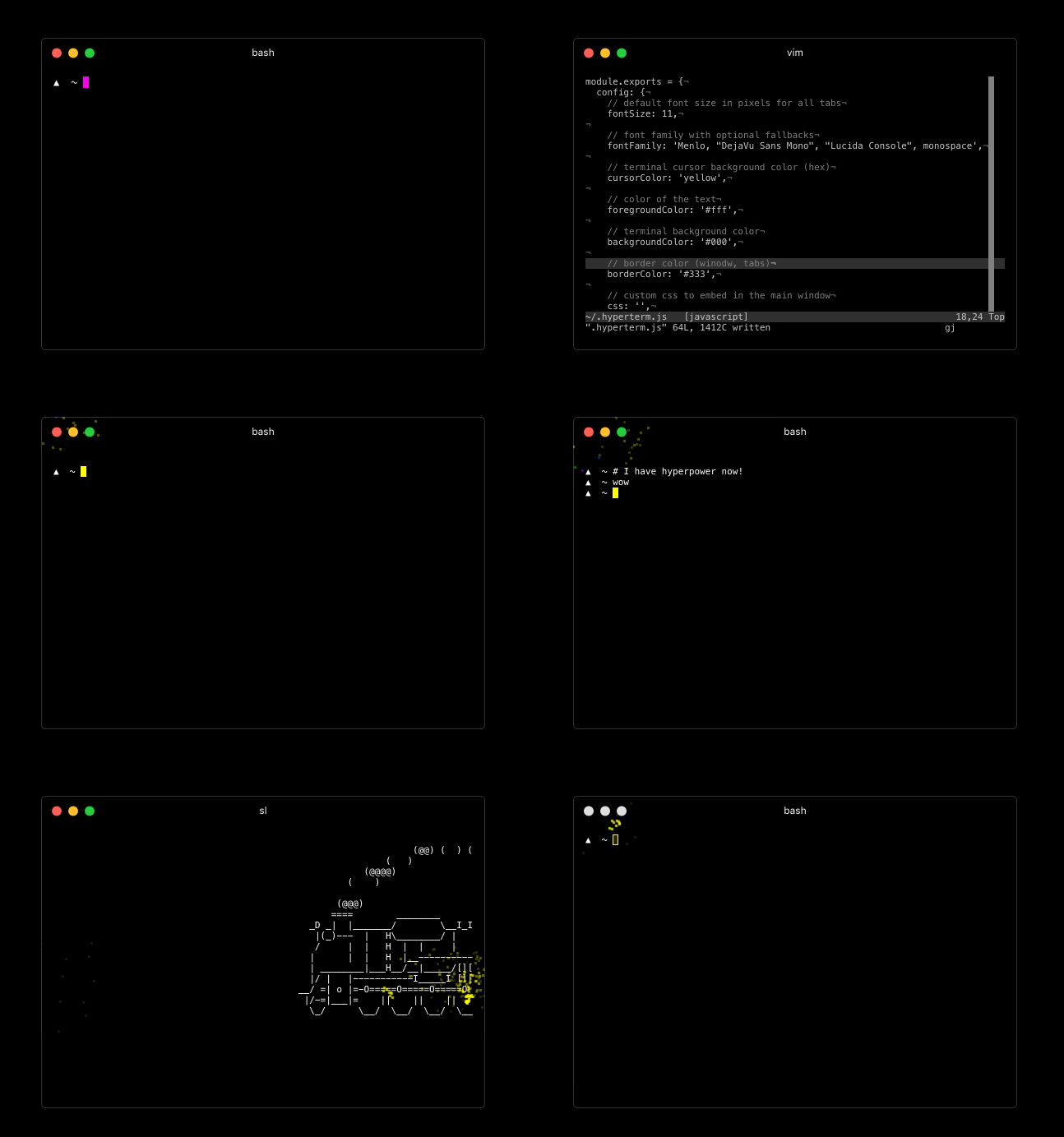
For downloads, documentation and the developer API head to: https://hyperterm.org
(NOTE: only on macOS) With Homebrew and Homebrew Cask installed, you can run this command:
$ brew cask install hyperterm
Repositories
- Art: https://github.com/zeit/hyperterm-art
- Website: https://github.com/zeit/hyperterm-website
- Example extension: https://github.com/zeit/hyperpower
Contribute
To install package.json dependencies in a way where the native
modules are built with electron, run:
$ ./scripts/install.sh
Then, you want to make sure app/dist is populated. I recommend
running webpack with --watch so that any changes you make
to the app are detected.
$ cd app/
$ npm install
$ npm run dev
Then you can run in the main directory:
$ npm start
...to launch the app!