mirror of
https://github.com/quine-global/hyper.git
synced 2026-03-13 16:38:41 -08:00
Quine's fork of "Hyper" by Vercel, A terminal built on web technologies
 aaed99abac
* Step 1: move electorn into `app/`. This is to comply with the suggested directory format of `electron-builder`: https://github.com/electron-userland/electron-builder#two-packagejson-structure * Step 2: add build directory with icon files for mac / windows * Step 3: move all development (web) assets into main directory * Step 4: add `build` namespace to dev `package.json` * Step 5: move all dev dependencies into dev file and get rid of old electron packagers in favor of `eletorn-builder` * Step 6: target build inside `app/` as everything else is excluded at build time * Step 7: remove old stuff! * Step 8: update README * turn off asar for `child_pty` |
||
|---|---|---|
| app | ||
| assets | ||
| build | ||
| lib | ||
| static | ||
| .editorconfig | ||
| .eslintignore | ||
| .gitignore | ||
| .travis.yml | ||
| HISTORY.md | ||
| LICENSE.md | ||
| package.json | ||
| README.md | ||
| webpack.config.js | ||
hyperterm

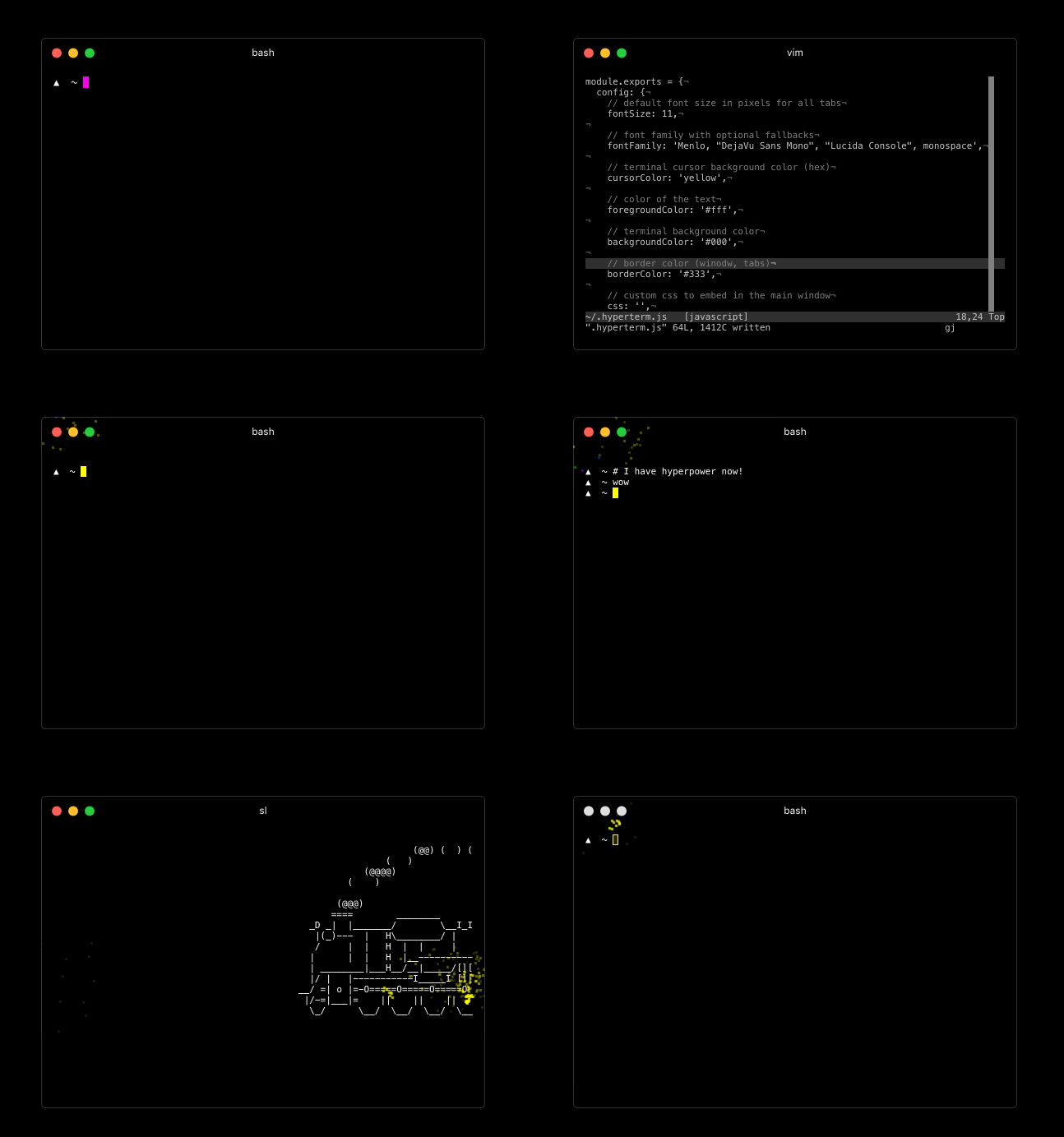
For downloads, documentation and the developer API head to: https://hyperterm.org
(NOTE: only on macOS) With Homebrew and Homebrew Cask installed, you can run this command:
brew cask update
brew cask install hyperterm
Repositories
- Art: https://github.com/zeit/hyperterm-art
- Website: https://github.com/zeit/hyperterm-website
- Example extension: https://github.com/zeit/hyperpower
Contribute
To test a certain git tree, clone and then run:
npm install
npm run pack
then open the ./dist folder to find the built binaries!
If you want to develop, run the above, and then you want to
run webpack in watch mode:
npm run dev
and to load the application simply run:
electron app/index.js