mirror of
https://github.com/quine-global/hyper.git
synced 2026-03-13 16:38:41 -08:00
Quine's fork of "Hyper" by Vercel, A terminal built on web technologies
| app | ||
| scripts | ||
| static | ||
| .gitignore | ||
| .travis.yml | ||
| auto-updater.js | ||
| config-default.js | ||
| config.js | ||
| HISTORY.md | ||
| index.js | ||
| LICENSE.md | ||
| menu.js | ||
| notify.html | ||
| notify.js | ||
| package.json | ||
| plugins.js | ||
| README.md | ||
| rpc.js | ||
| session.js | ||

hyperterm
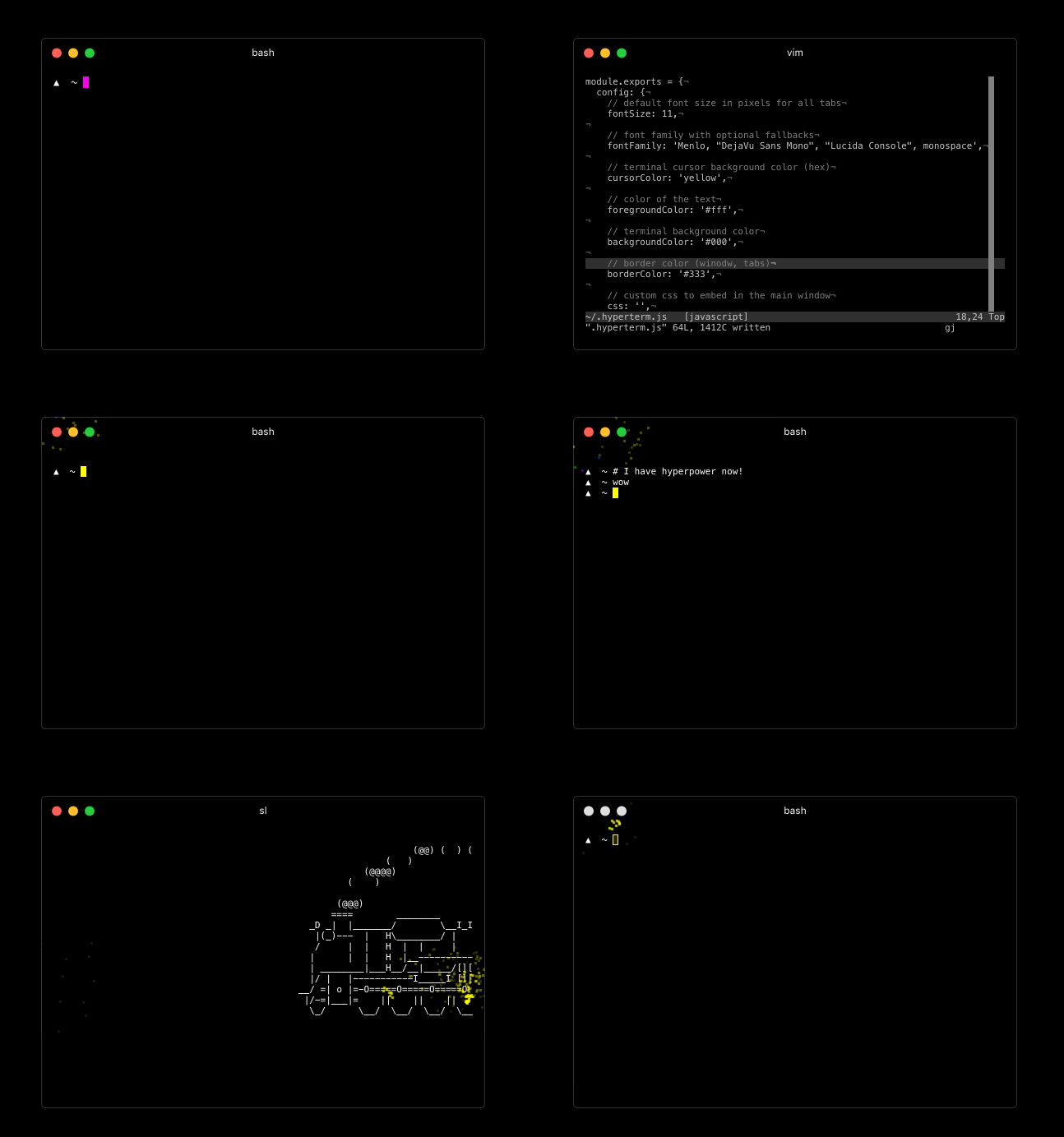
For downloads, documentation and the developer API head to: https://hyperterm.org
(NOTE: only on macOS) With Homebrew and Homebrew Cask installed, you can run this command:
$ brew cask install hyperterm
Repositories
- Art: https://github.com/zeit/hyperterm-art
- Website: https://github.com/zeit/hyperterm-website
- Example extension: https://github.com/zeit/hyperpower
Contribute
To install package.json dependencies in a way where the native
modules are built with electron, run:
$ ./scripts/install.sh
Then, you want to make sure app/dist is populated. I recommend
running webpack with --watch so that any changes you make
to the app are detected.
$ cd app/
$ npm install
$ npm run dev
Then you can run in the main directory:
$ npm start
...to launch the app!