mirror of
https://github.com/quine-global/hyper.git
synced 2026-03-14 08:58:41 -08:00
Quine's fork of "Hyper" by Vercel, A terminal built on web technologies
 400d70e9df
* Allow the `color` config to be an object It only covers the ANSI 16 as named colors, but allows for an array to be used if the full color palette wants to be overridden. * Better handling for array color configs vs. object configs |
||
|---|---|---|
| app | ||
| scripts | ||
| static | ||
| .editorconfig | ||
| .eslintignore | ||
| .gitignore | ||
| .travis.yml | ||
| auto-updater.js | ||
| config-default.js | ||
| config.js | ||
| HISTORY.md | ||
| index.js | ||
| LICENSE.md | ||
| menu.js | ||
| notify.html | ||
| notify.js | ||
| package.json | ||
| plugins.js | ||
| README.md | ||
| rpc.js | ||
| session.js | ||
hyperterm

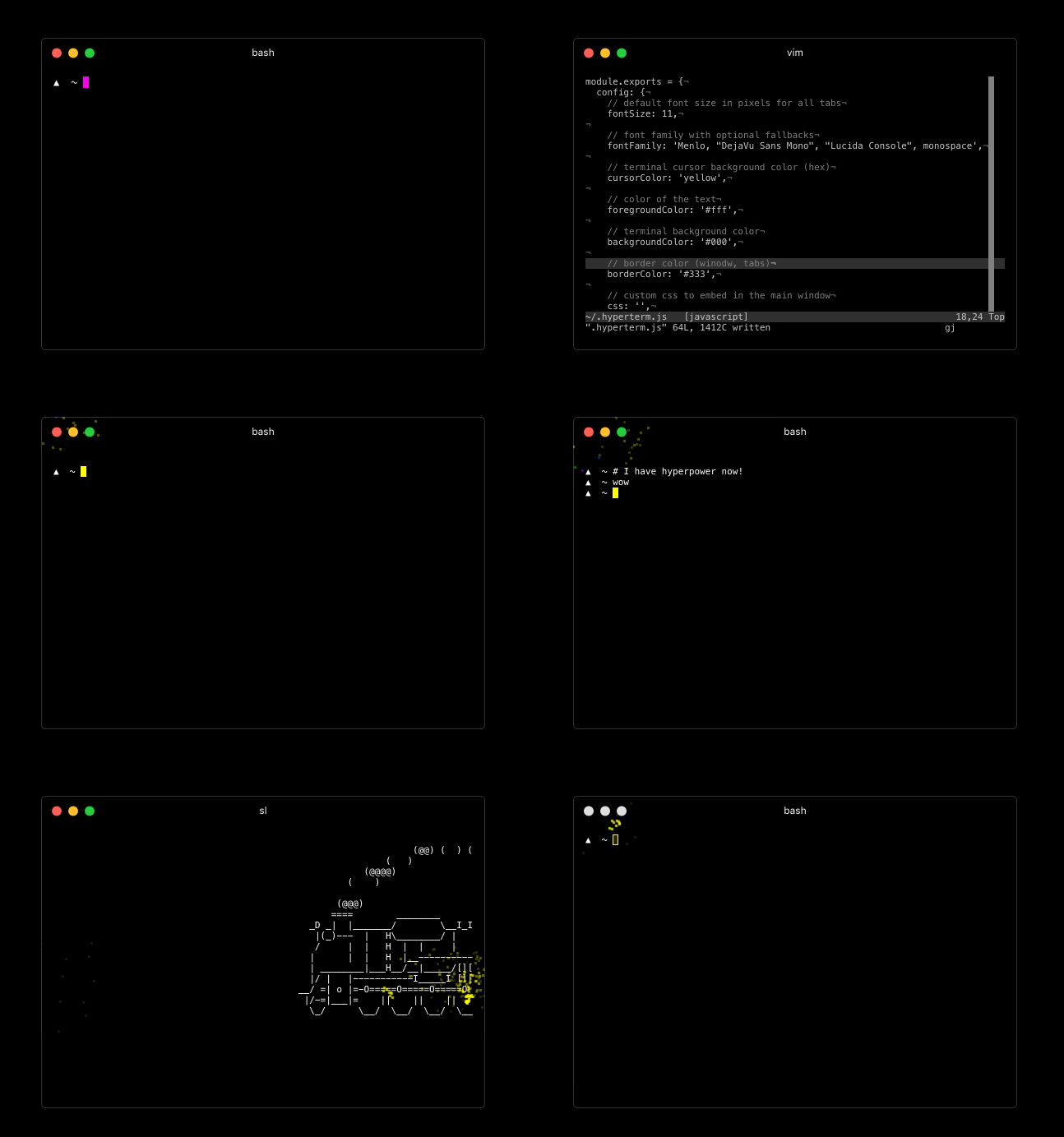
For downloads, documentation and the developer API head to: https://hyperterm.org
(NOTE: only on macOS) With Homebrew and Homebrew Cask installed, you can run this command:
$ brew cask install hyperterm
Repositories
- Art: https://github.com/zeit/hyperterm-art
- Website: https://github.com/zeit/hyperterm-website
- Example extension: https://github.com/zeit/hyperpower
Contribute
To install package.json dependencies in a way where the native
modules are built with electron, run:
./scripts/install.sh
Then, you want to make sure app/dist is populated. I recommend
running webpack with --watch so that any changes you make
to the app are detected.
cd app/
npm install
npm run dev
Then you can run in the main directory:
npm start
...to launch the app!