2016-07-01 11:00:09 -08:00
|
|
|
# hyperterm
|
2016-06-30 22:21:29 -08:00
|
|
|
|
2016-07-22 08:24:25 -08:00
|
|
|
[](https://zeit.chat/)
|
2016-07-27 04:40:19 -08:00
|
|
|
[](https://travis-ci.org/zeit/hyperterm)
|
2016-07-21 10:49:29 -08:00
|
|
|
|
2016-07-15 08:22:55 -08:00
|
|
|
|
|
|
|
|
|
|
|
|
|
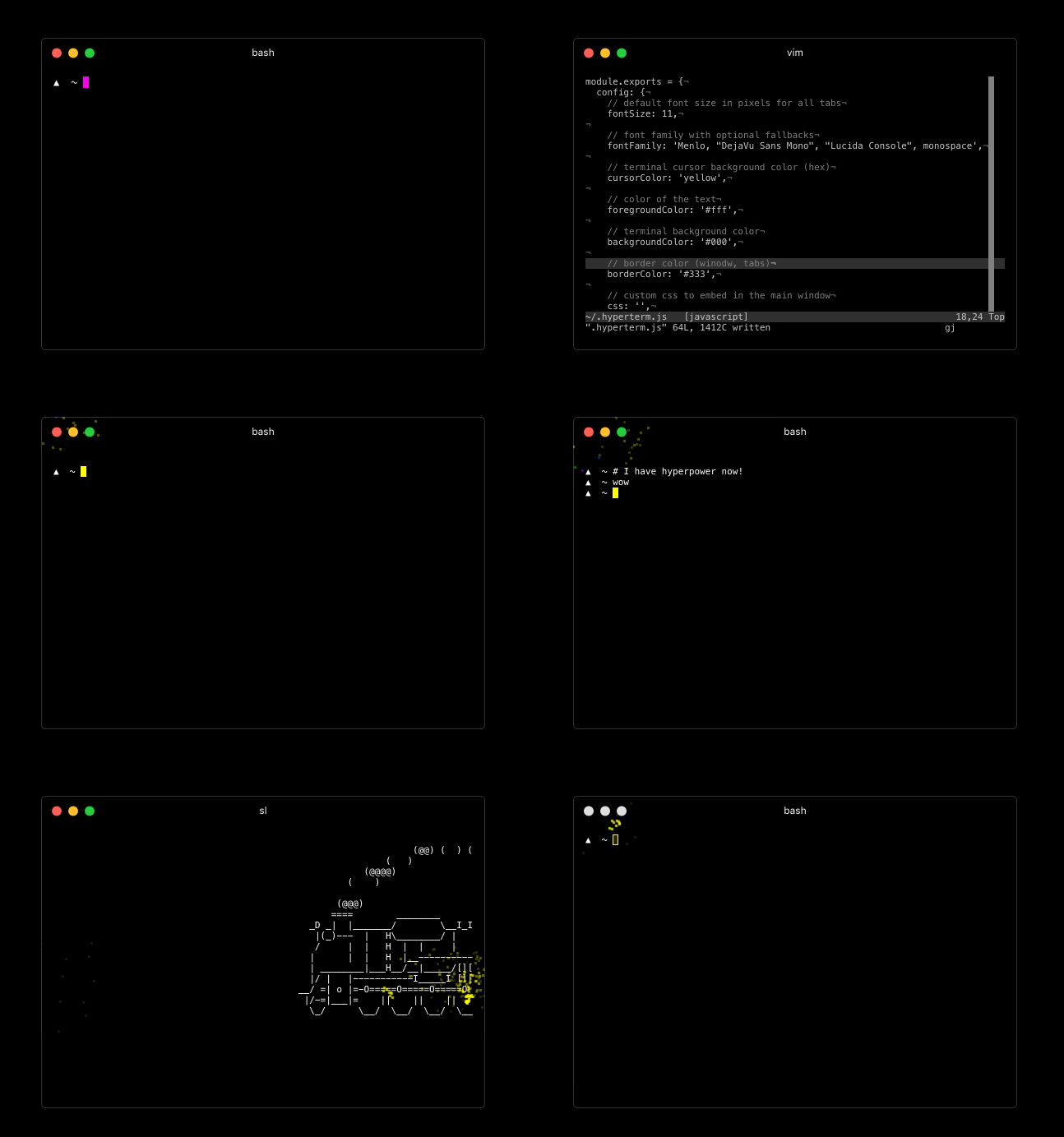
For downloads, documentation and the developer API head to: https://hyperterm.org
|
|
|
|
|
|
2016-07-19 09:44:44 -08:00
|
|
|
(NOTE: only on macOS) With [Homebrew](http://brew.sh/) and [Homebrew Cask](https://caskroom.github.io/) installed, you can run this command:
|
|
|
|
|
|
|
|
|
|
```bash
|
2016-07-21 19:26:32 -08:00
|
|
|
brew cask update
|
|
|
|
|
brew cask install hyperterm
|
2016-07-19 09:44:44 -08:00
|
|
|
```
|
|
|
|
|
|
2016-07-15 12:18:15 -08:00
|
|
|
### Repositories
|
|
|
|
|
|
|
|
|
|
- Art: https://github.com/zeit/hyperterm-art
|
|
|
|
|
- Website: https://github.com/zeit/hyperterm-website
|
|
|
|
|
- Example extension: https://github.com/zeit/hyperpower
|
|
|
|
|
|
2016-07-02 11:03:45 -08:00
|
|
|
## Contribute
|
2016-07-02 09:57:32 -08:00
|
|
|
|
2016-07-24 09:59:21 -08:00
|
|
|
To test a certain git tree, clone and then run:
|
2016-07-02 09:57:32 -08:00
|
|
|
|
|
|
|
|
```bash
|
2016-07-24 09:59:21 -08:00
|
|
|
npm install
|
|
|
|
|
npm run pack
|
2016-07-02 09:57:32 -08:00
|
|
|
```
|
|
|
|
|
|
2016-07-24 09:59:21 -08:00
|
|
|
then open the `./dist` folder to find the built binaries!
|
2016-07-02 09:57:32 -08:00
|
|
|
|
2016-07-24 09:59:21 -08:00
|
|
|
If you want to develop, run the above, and then you want to
|
|
|
|
|
run webpack in `watch` mode:
|
|
|
|
|
|
|
|
|
|
```
|
2016-07-21 11:07:35 -08:00
|
|
|
npm run dev
|
2016-07-02 09:57:32 -08:00
|
|
|
```
|
|
|
|
|
|
2016-07-24 09:59:21 -08:00
|
|
|
and to load the application simply run:
|
2016-07-02 09:57:32 -08:00
|
|
|
|
|
|
|
|
```
|
2016-07-26 15:40:02 -08:00
|
|
|
npm start
|
2016-07-24 09:59:21 -08:00
|
|
|
```
|
