 728717d75e In the past we have moved away from doing big dnf transactions spanning
multiple rpm repositories [1] because of the associated risk of third
party repos injecting packages we expect to get from Fedora. With this
we explicitly set which packages are allowed to be installed from each
repo. This means we still get to do big transactions which are generally
faster.
The downside of this is that if subpackages or dependencies from a
3rd-party repo get introduced/change then our builds will break, I think
this is fine as the ones I'm changing here have been unchanging for a
while.
This should only touch repositories with a very specific purpose/single
projects.
This purposefully doesn't touch any ublue-os coprs or negativo (also
they are difficult to handle as we use them in the nvidia script [2]),
those are the only mono-repos so outright excluding the packages is not
an easy option as we would make custom image builds (and usr-overlays
for testing) more annoying.
[1] https://github.com/ublue-os/aurora/issues/1115
[2]
|
||
|---|---|---|
| .github | ||
| build_files | ||
| build_scripts | ||
| system_files | ||
| .devcontainer.json | ||
| .gitattributes | ||
| .gitignore | ||
| .pre-commit-config.yaml | ||
| artifacthub-repo.yml | ||
| Containerfile.in | ||
| CONTRIBUTING.md | ||
| cosign.pub | ||
| image-versions.yml | ||
| Justfile | ||
| LICENSE | ||
| quay.io-fedora-ostree-desktops.pub | ||
| README.md | ||
Aurora




Aurora is a delightful KDE desktop experience for end-users that are looking for reliability and developers for the most-hassle free setup. Zero maintenance included.
Documentation
- Discussions and Announcements - strongly recommended!
- Documentation
- Contributing Guide
- Local Building Guide
The system_files, flatpak and logos directory have been moved to here.
Secure Boot
Secure Boot is supported by default on our systems, providing an additional layer of security. After the first installation, you will be prompted to enroll the secure boot key in the BIOS.
Enter the password universalblue
when prompted to enroll our key.
If this step is not completed during the initial setup, you can manually enroll the key by running the following command in the terminal:
ujust enroll-secure-boot-key
Secure boot is supported with our custom key. The pub key can be found in the root of the akmods repository here. If you'd like to enroll this key prior to installation or rebase, download the key and run the following:
sudo mokutil --timeout -1
sudo mokutil --import public_key.der
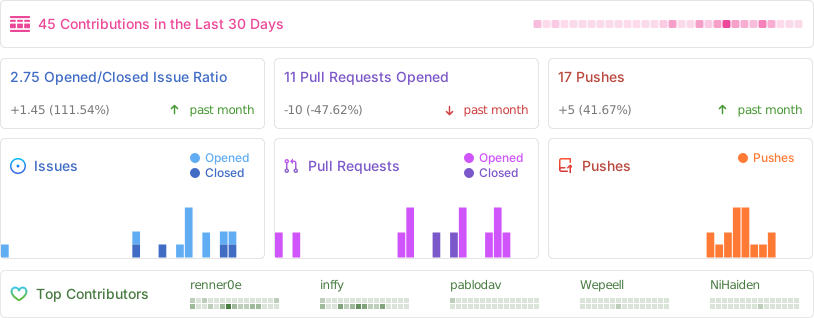
Repobeats